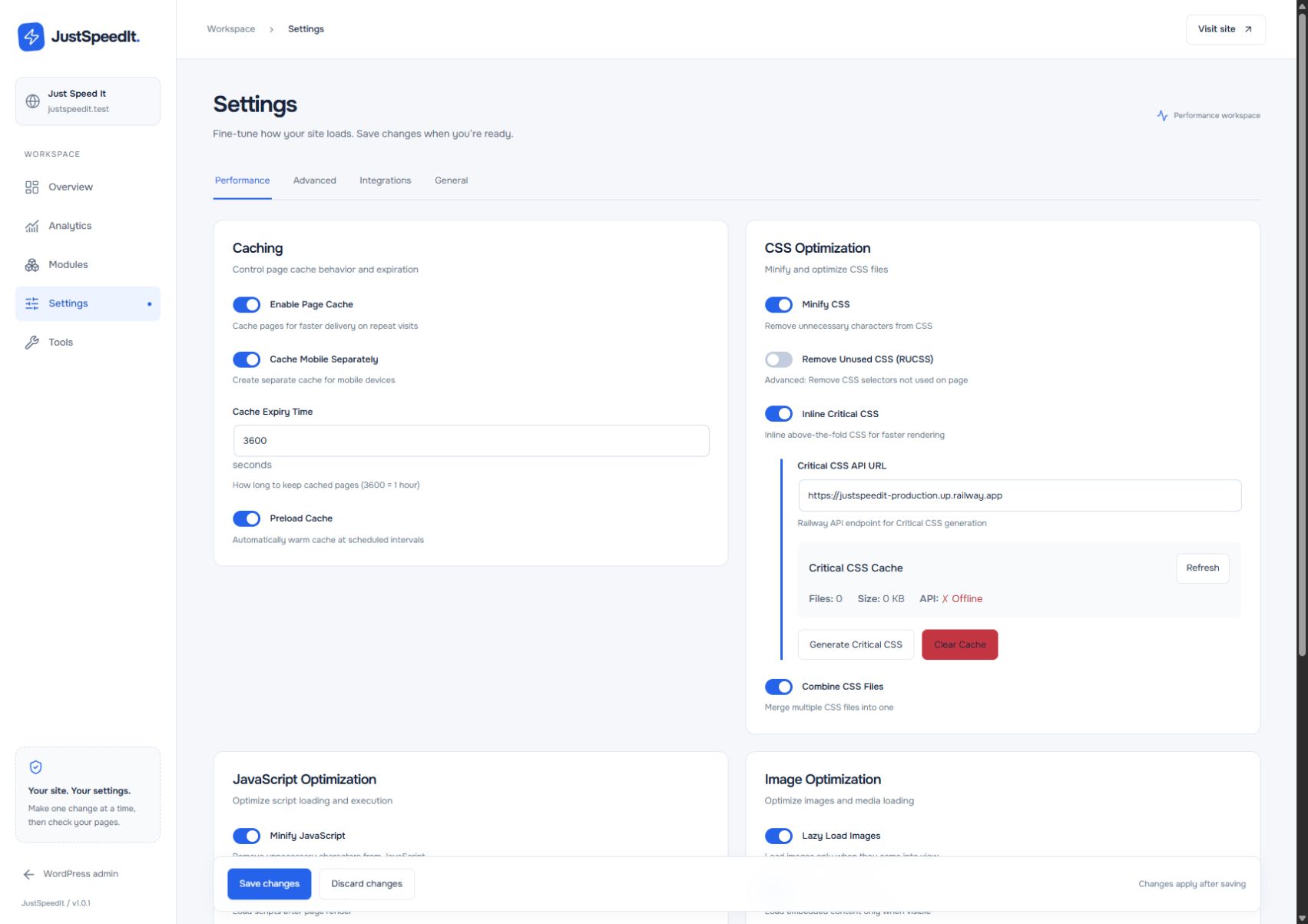
A useful first screen
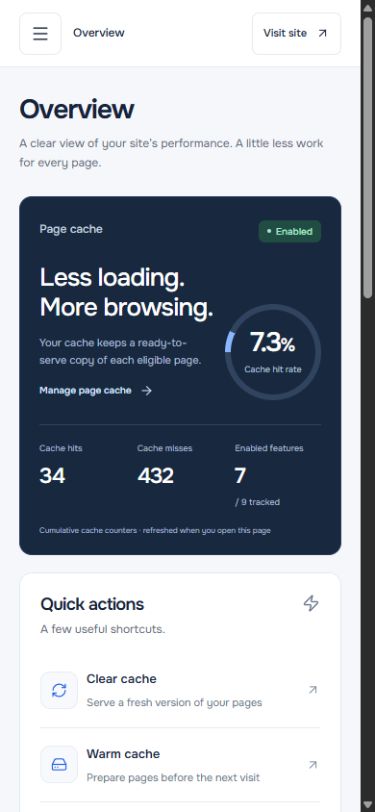
A bento layout brings the cache overview, quick actions, and site health together. The strongest visual emphasis goes to the information needed to choose the next step.
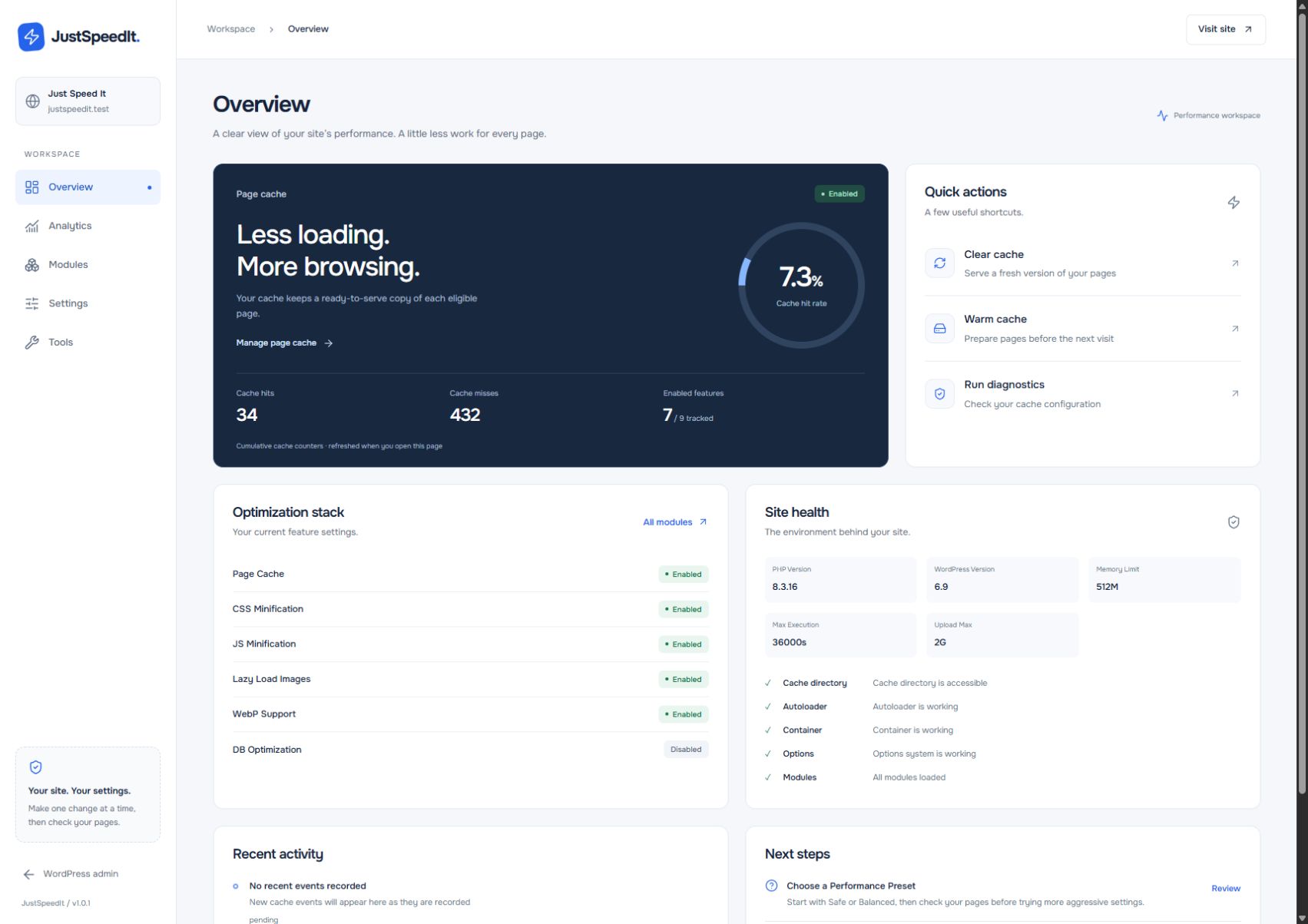
Inside JustSpeedIt
A dashboard should help you act. The new workspace brings cache activity, configuration, and maintenance into a consistent interface, with clear routes from an overview to each setting.
A WordPress site gains weight as themes, plugins, scripts, and media accumulate. Keeping it responsive involves several layers, and those layers are often managed in separate tools.
Make the work visible and modular. Separate caching, styles, scripts, images, fonts, database maintenance, and delivery so each area can be configured for the needs of a particular site.
A performance plugin with one dashboard and independent optimization modules. Site owners can tune the settings, set exclusions, clear caches, and manage maintenance from the WordPress workspace.
01 / Configuration
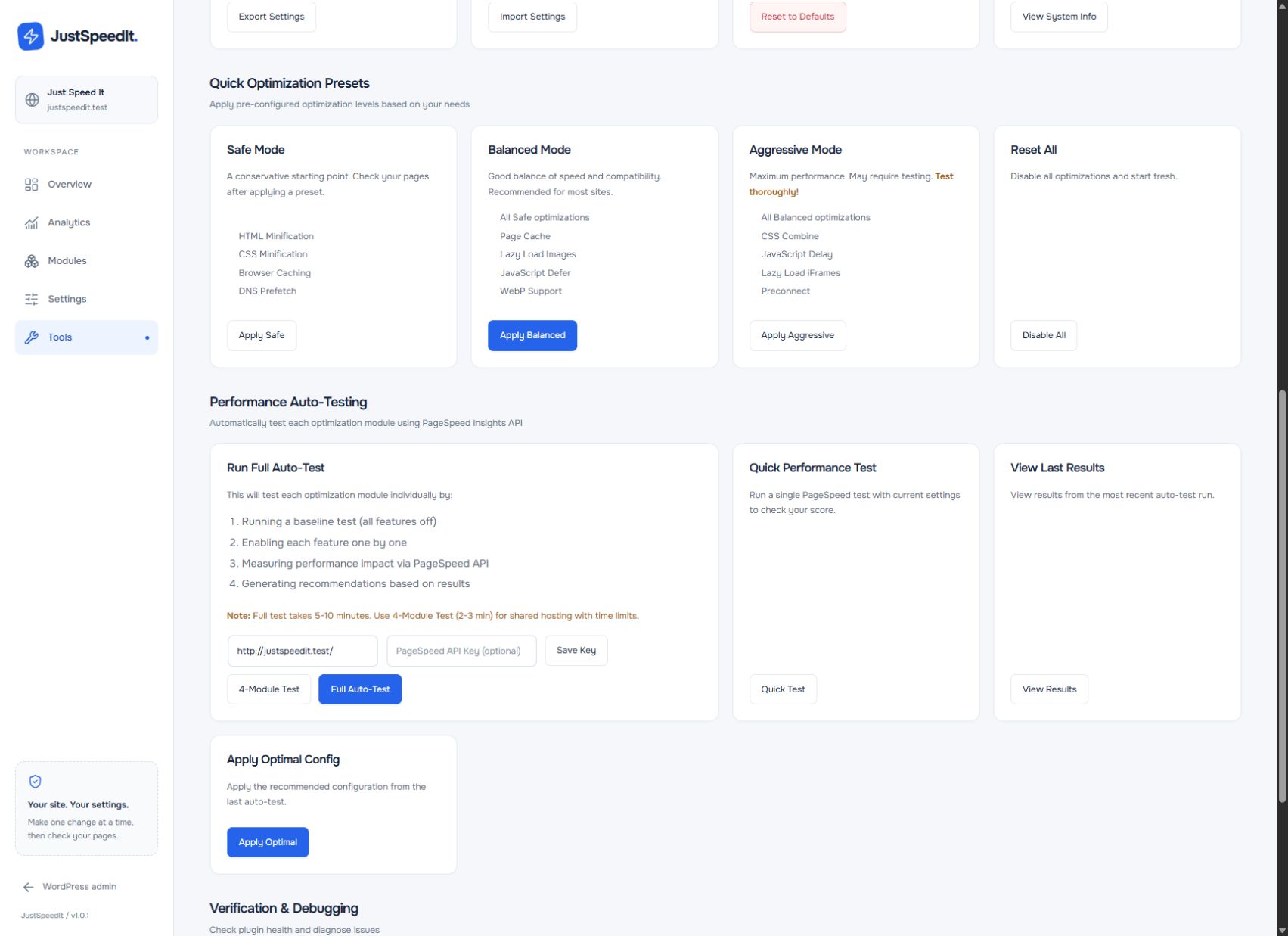
Database cleanup, DNS preloading, HTML delivery, and background requests each have their own controls. Related settings sit together, with explanations next to the decision they support.
A consistent card layout makes a dense settings page easier to scan. Save and Discard stay separate from individual toggles, so editing a configuration has a clear final step.
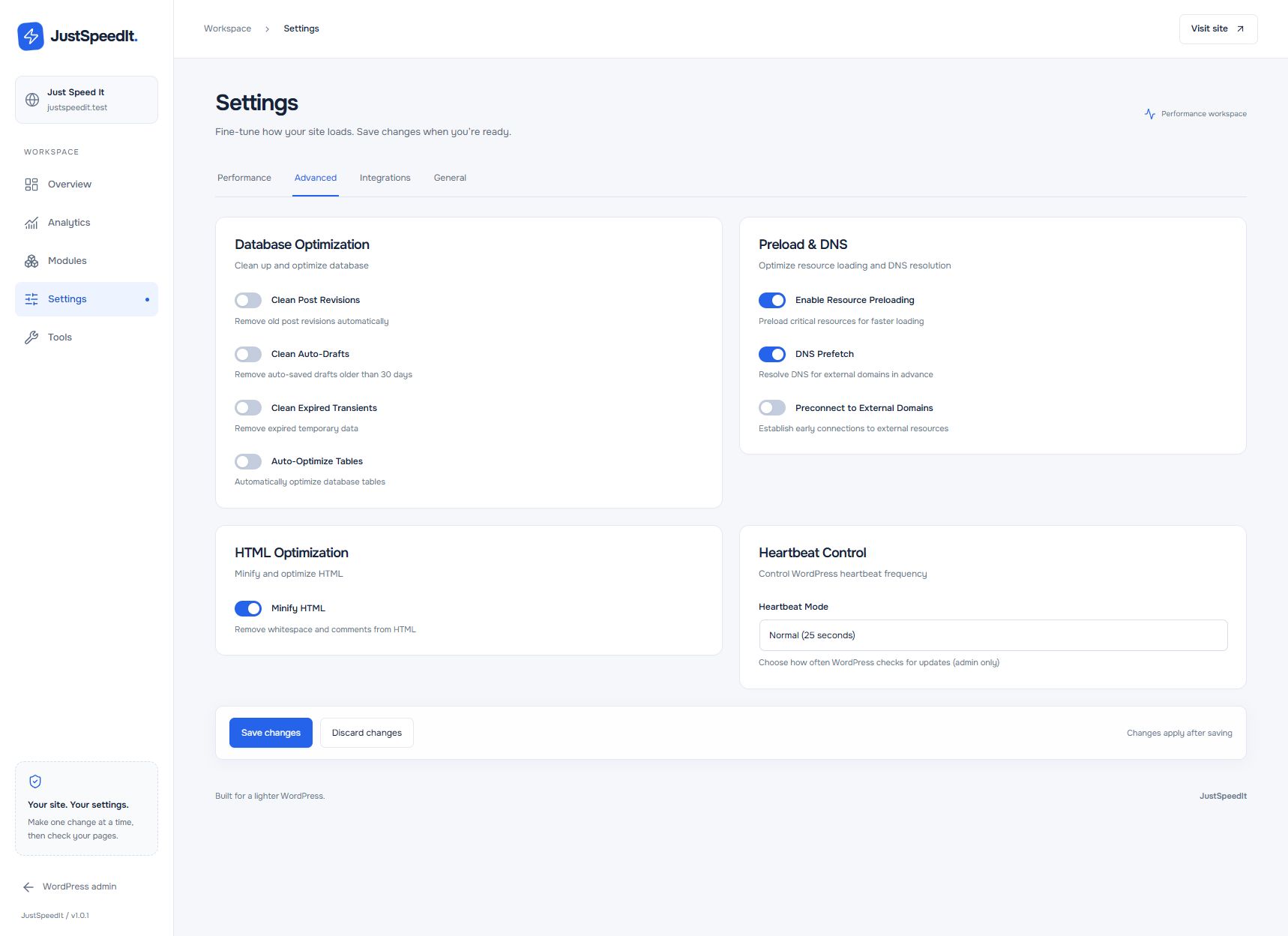
02 / Maintenance
Presets offer a way into a large set of options. Safe, Balanced, and Aggressive configurations describe what they include and where compatibility needs more attention.
The Tools area brings those starting points together with backups, imports, cache maintenance, and diagnostics. Configuration and routine care share the same visual language.
03 / Responsive workspace
On a smaller screen, the dashboard cards become a single column and navigation moves into a drawer. Cache status and quick actions keep their place at the top.
The layout changes without changing the order of the work: check the current state, take an action, then go deeper into the settings when needed.
Inside JustSpeedIt
Explore the main optimization areas and the controls behind them.
Serve a prepared page instead of rebuilding it on every visit. Cache clearing and separate mobile variants keep that layer manageable.
A guide to the local plugin’s architecture. Performance depends on the site, hosting, and configuration.
The product
A bento layout brings the cache overview, quick actions, and site health together. The strongest visual emphasis goes to the information needed to choose the next step.
Cache, CSS, JavaScript, and media have different compatibility needs. Separate controls and exclusions let the configuration fit the site.
Cache clearing, preloading, and database cleanup live alongside the settings that affect them, with tools for routine site care.
Current stage / Development build
The local plugin includes the optimization modules, dashboard, settings, and maintenance tools described here. This case presents the implementation and product structure; public release and benchmark results have not been established.